

How to use a Vyond coupon code
- Pick a code above and click Show code. Vyond opens in this tab and the code appears in a new tab.
- Copy the code.
- On Vyond, choose your plan (Starter or Professional) and monthly or annual billing.
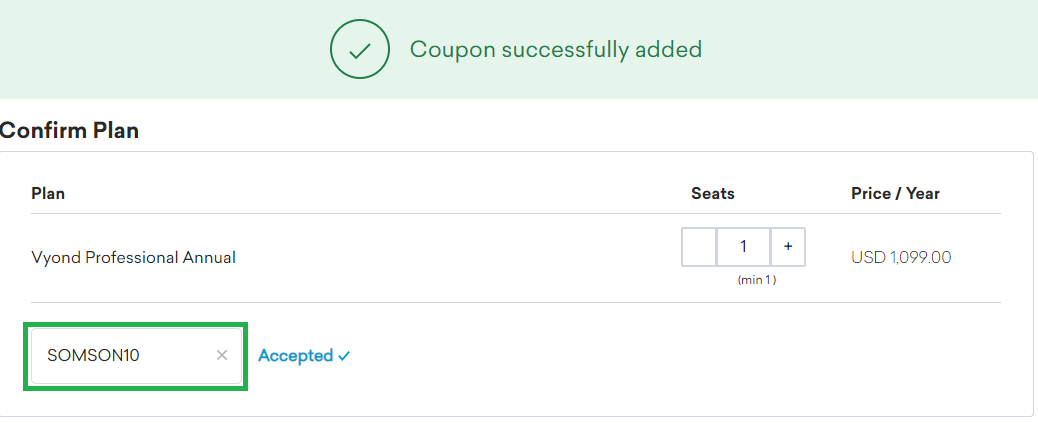
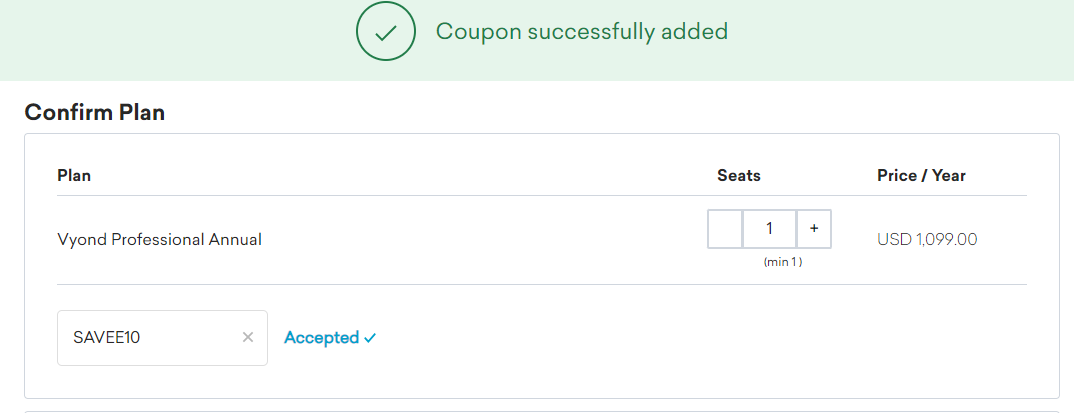
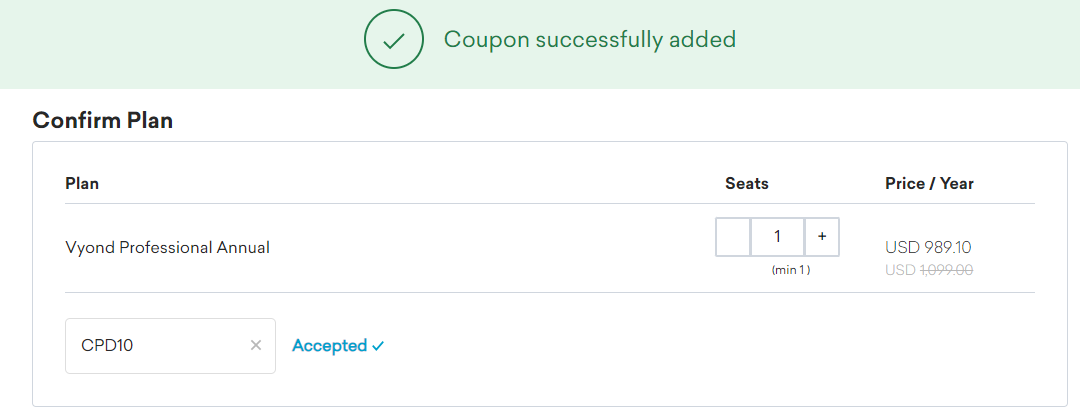
- At checkout, paste the code into the coupon box and click Apply.
- Check that the discount shows in the order total before you pay.
If a code is rejected, try the next one in the list and tap No in the popup so we can re-check it.
Vyond plans and prices (checked November 2026)
| Plan | Billed monthly | Billed annually |
|---|---|---|
| Starter | $99 / month | $58 / month (about 40% less) |
| Professional | $199 / month | $100 / month (about 50% less) |
| Enterprise | Not offered | Annual only, see Vyond for pricing |
| Agency | Not offered | Annual only, see Vyond for pricing |
Prices are per user in US dollars, taken from Vyond's plans page. They can change, so check the final price at checkout.
The biggest saving on Vyond is annual billing itself: it costs about 40% less on Starter and about 50% less on Professional than paying month to month. No code is needed for that. A coupon code from the list above gives an extra discount at checkout.
Vyond free trial
- 14 days, and no credit card is needed to sign up.
- You can make up to 3 videos during the trial, and they carry a Vyond watermark.
- No coupon code is needed to start the trial.
Vyond coupon FAQs
Why didn't my Vyond code work?
A code can be limited to certain plans, billing periods or new customers, and Vyond can end it at any time. Check that you copied it without extra spaces, try another code from the list, and tap "No" in the popup so we re-check it.
Is the 40% or 50% annual discount a coupon?
No. It is Vyond's normal price for paying yearly instead of monthly, and it shows on the plans page without a code.
Does Vyond have a free plan?
No. Vyond has a 14-day free trial but no permanent free plan.
Which Vyond plan should I pick?
Starter suits one person making simple explainer or training videos. Professional adds team collaboration and more assets, so it fits teams that make videos every week. Enterprise and Agency are for larger teams and client work.
About Vyond
Vyond is a browser-based tool for making animated videos for training, marketing and internal communication. You build scenes from characters, props and templates, add a voiceover or AI text-to-speech, and export the video. If you want a different style, compare Doodly for whiteboard animation or Powtoon for quick explainer videos.